
APA Reference Page: Format, Examples, and Hanging Indents
Build an APA reference page with correct formatting, examples, alphabetical order, and hanging indents for clean student papers.
How an APA Reference Page Brings Your Sources Together
An APA reference page is the final section of your paper where readers can find complete details for every source you cited. While in-text citations give quick source information inside your paragraphs, the reference page shows the full author, date, title, and publication details. In APA 7th edition, the reference list must be alphabetized, double-spaced, and formatted with hanging indents. A clean reference page makes your paper easier to verify and helps you avoid missing or mismatched sources.
Basic APA Reference Page Format
Start the reference page on a new page after the main body of your paper. Center the word References at the top of the page in bold. Do not underline it, italicize it, or put it in quotation marks.
Your reference entries should be:
- Double-spaced
- Alphabetized by the first author’s last name
- Written with a 0.5-inch hanging indent
- Matched to the sources cited in your paper
- Formatted according to the source type
A hanging indent means the first line of each reference stays flush left, while every line after it is indented.
APA Reference Examples
Book
Smith, J. A. (2021). Understanding academic writing. College Press.
Journal Article
Taylor, R. M., & Chen, L. (2022). Study habits and student performance. Journal of Learning Research, 18(2), 44–59. https://doi.org/xxxxx
Webpage
American Psychological Association. (2024). APA Style guidelines. https://apastyle.apa.org/
These examples show the basic pattern: author, date, title, and source information. The exact format changes depending on whether you are citing a book, article, webpage, report, video, or other source. Formatting every reference by hand can be time-consuming, especially for longer research papers. Our APA Citation Generator automatically creates APA-formatted references that you can copy directly into your reference page. After generating your citations, simply arrange them alphabetically and apply hanging indents as explained in this guide.
How Hanging Indents Work
Hanging indents are one of the most visible parts of an APA reference page. They help readers quickly spot where each source begins. In Microsoft Word or Google Docs, you can usually create one by highlighting your references and choosing “Hanging” under indentation settings.
Avoid using the spacebar to fake the indent. Manual spacing can break when the document is edited or submitted online.
Common Reference Page Mistakes
Many students lose points because of small reference list errors. Watch for missing dates, incorrect capitalization, broken URLs, missing italics, and sources that appear in the reference list but not in the paper. Also check the reverse: every source cited in your writing should appear on the reference page, unless APA rules classify it as a personal communication.
Keep reading
APA Headings and Subheadings: All Five Levels Explained
APA headings organize papers into clear sections. Learn all five levels, formatting rules, and examples for APA 7 student writing.
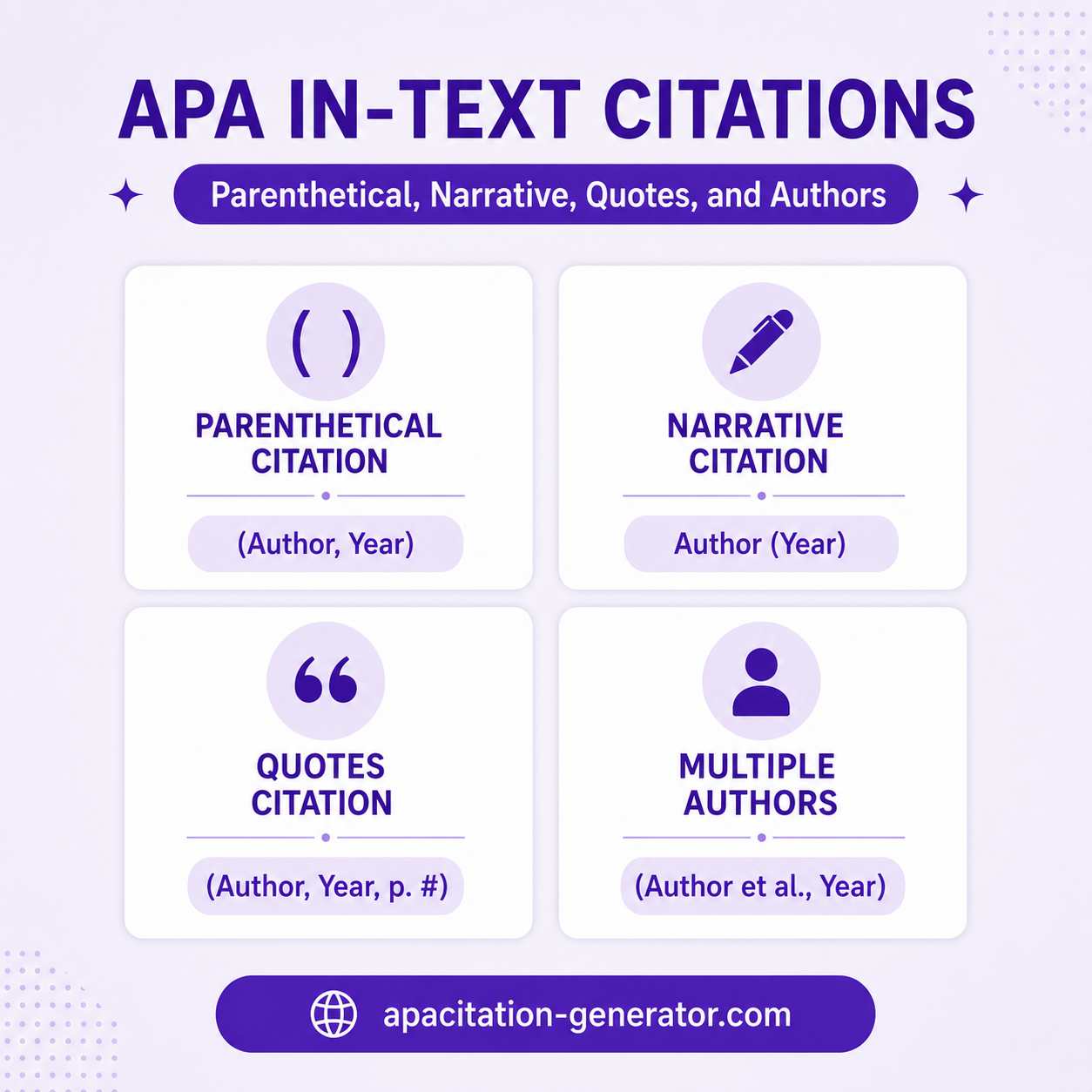
APA In-Text Citations: Parenthetical, Narrative, Quotes, and Authors
Learn how an APA in text citation works for parenthetical, narrative, quote, and author formats with simple examples for student papers.
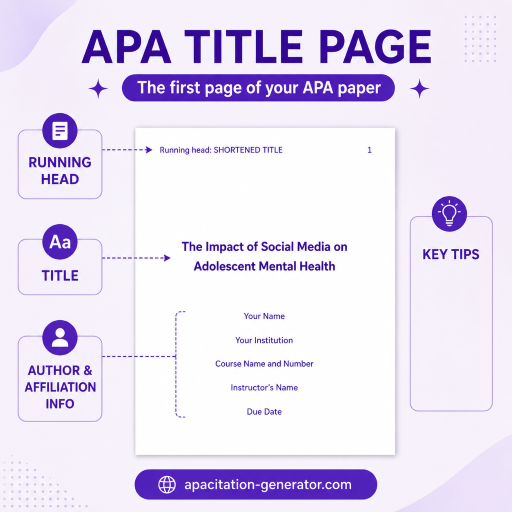
APA Title Page Format: Student and Professional Examples
Learn the correct APA Title Page Format for student and professional papers, with clear examples, key elements, and common mistakes to avoid.